How to find and disable the MCP servers you're not actually using
8 min read
On this page
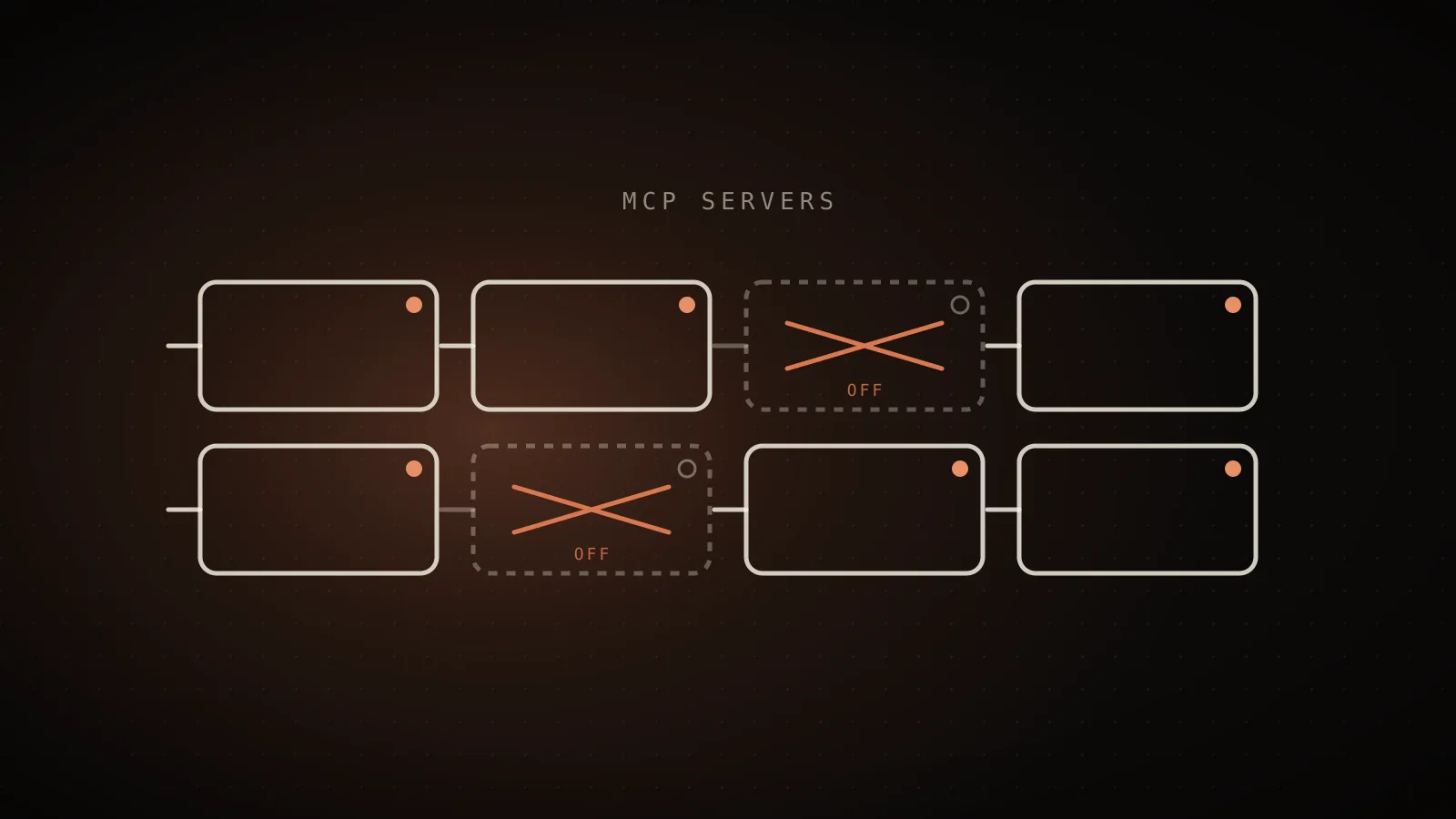
Open the /mcp panel inside a session, pick a server, and toggle it off - Claude Code stops connecting to it but keeps its configuration, so turning it back on later takes one keystroke. That's the soft option. claude mcp remove <name> is the hard one: it deletes the entry outright. Which one you want depends on whether you plan to ever use that server again, and the harder problem underneath both is figuring out which of your configured servers actually qualify as unused in the first place.
/mcp toggles a server off without losing its config (recorded in ~/.claude.json, reversible any time). claude mcp remove <name> deletes the entry for good. A third, separate switch governs project .mcp.json servers specifically - approve, reject, or claude mcp reset-project-choices. Before touching any of them, check sub-agent transcripts as well as your main session log - a server that looks dead from the main thread alone can still be doing real work inside a subagent.Why does an unused MCP server still cost tokens?
Every MCP server you've configured, connected or not, adds two things at session start regardless of whether Claude ever calls it: its name, and up to 2KB of server instructions. Tool search - on by default in current Claude Code - defers the full tool schemas until Claude actually searches for them, so the fixed cost per idle server is smaller than it used to be. It isn't zero. A server whose config sets alwaysLoad: true skips deferral entirely and loads its full schema every session whether it's called or not, which is exactly the setting worth checking first on anything you suspect is dead weight.
On this project's own measured session history, one configured-but-unused server was still adding 176 tokens to every single turn just by being registered - a real number pulled from real transcripts, not a model. Across a whole session that never touches it, that's tokens spent on a server doing nothing. It's a small number by itself. It's also one line of a config file you almost certainly haven't looked at in months, and it's rarely just one.
How do I find out which MCP servers I'm actually using?
claude mcp list shows every configured server and its connection status; claude mcp get <name> shows detail on one, including whether a project-scoped .mcp.json entry is still awaiting your approval. Neither command tells you whether a server has actually been called recently - for that, you have to look at what got read from your session transcripts, and that's where most manual audits quietly undercount.
What `claude mcp list` and a manual grep of the top-level `.jsonl` actually see. A server never called from here reads as dead.
A separate log file. The tool call happens here in full - only a short summary ever crosses back into the main thread.
Reading only the left pane is how a server that's actually in use gets misread as dead weight.
That gap is the sub-agent transcript problem: a subagent runs in its own isolated context and reports back only a summary, so a tool call it made never shows up in your main session's transcript at all. If you're grepping ~/.claude/projects/*/*.jsonl by hand for which servers get called, checking only the top-level session file will flag a server as dead when it's actually doing quiet, real work inside a research or web-lookup subagent. A scanner, or a manual check, has to read sub-agent transcripts too, or it can't tell "nobody calls this" from "only a subagent calls this."
discord, fakechat, imessage, and telegram never showed up in any transcript. tavily and exa looked just as dead until the scan also read sub-agent transcripts, where their calls actually live. Measured: this project's own scan, docs/usagecut-build-plan.md.
How do I disable an MCP server without losing its configuration?
Run claude interactively, type /mcp, select the server, and toggle it off. Claude Code stops connecting to it but keeps everything about how it's configured, and still lists it in the panel marked as disabled.
The choice gets recorded per project in ~/.claude.json, in one of two lists:
disabledMcpServers- an opt-out list for regular servers, plugin servers, and built-ins that default to on. Anything you list here, Claude Code stops connecting to.enabledMcpServers- an opt-in list, only relevant for the small set of built-in servers that default to off (computer-useis the example in the docs). Listing a regular server here does nothing; Claude Code only consults the list that actually applies to that server.
There's no CLI flag or subcommand for this - it's a /mcp-panel action only, which is exactly what most of the "please add a disable command" issues on the tracker were asking for before it shipped as this toggle.
How do I remove an MCP server completely?
claude mcp remove <name> deletes the entry outright. Tested this session, against Claude Code v2.1.220:
$ claude mcp remove --help
Usage: claude mcp remove [options] <name>

Remove an MCP server

Options:
  -h, --help           Display help for command
  -s, --scope <scope>  Configuration scope (local, user, or project) - if not
                       specified, removes from whichever scope it exists in
Pass -s/--scope when the same server name exists in more than one scope (local, user, project) and you only want one of them gone; leave it off and Claude Code removes it from whichever scope it finds. There's no undo - re-adding means running claude mcp add (or claude mcp add-json if you kept the original config string) from scratch.
What about project .mcp.json servers?
A server checked into a repo's .mcp.json is a third, separate case, and it's the one behind a lot of the "I can't get rid of this" complaints: Claude Code prompts for approval before it will connect to a project-scoped server at all, for security reasons. Run claude interactively in the project to see the approval prompt; claude mcp get <name> shows a server still waiting as ⏸ Pending approval, and one you've turned down as ✘ Rejected (see disabledMcpjsonServers in settings).
Approving or rejecting writes to enabledMcpjsonServers or disabledMcpjsonServers in a settings file (user, project, or managed), and a disabledMcpjsonServers entry in any of those files rejects the server regardless of what else says otherwise. If you want to start over and be re-prompted for every project server, claude mcp reset-project-choices clears all of them at once. One gotcha worth knowing before you assume something's broken: approvals committed to a repo's own .claude/settings.json are ignored until you've trusted that workspace - a freshly cloned repo can't approve its own .mcp.json servers on first run, so an untouched clone will show every project server as pending no matter what the committed settings say.
Toggle, remove, or reject - which one do I want?
/mcp toggle
Soft. Stops connecting, keeps config.
claude mcp remove
Hard. Deletes the entry outright.
.mcp.json reject
Per-user. Blocks a repo server for you only.
| Mechanism | What it does | Recorded where | Config kept? | Reversible? |
| --- | --- | --- | --- | --- |
| /mcp toggle | Stops Claude Code connecting, this project | ~/.claude.json (disabledMcpServers / enabledMcpServers) | Yes | Yes, toggle it back |
| claude mcp remove | Deletes the server entry | Whichever scope file it lived in | No | No - re-add from scratch |
| .mcp.json reject | Blocks a repo-defined server, for you only | A settings file (disabledMcpjsonServers) | Yes, untouched | Yes, reset-project-choices or edit the list |
If you're not sure you'll want the server back, toggle it. If you're certain it's dead weight for good, remove it. If it's someone else's .mcp.json entry in a shared repo, reject it for yourself rather than editing a file your teammates also depend on.
When should I leave a server alone?
Don't disable something based on the main transcript alone if any of your subagents might be the actual caller - confirm against sub-agent logs first, or you'll cut a server that's quietly load-bearing. A plugin-provided server should be toggled through /mcp or removed by uninstalling the plugin, not hand-edited in .mcp.json, since the plugin manages that file's lifecycle itself. And a server with alwaysLoad: true was almost certainly set that way on purpose, because something needs it available on every single turn without a search step first - check why before assuming it's the wasteful one.
FAQ
- Is there a single command that disables an MCP server? No. Disabling without losing config is a toggle in the interactive
/mcppanel, not a CLI flag.claude mcp remove <name>is a separate command, and it deletes the entry rather than disabling it. - Does toggling a server off in
/mcpdelete its configuration? No. Claude Code stops connecting to it and records the choice in~/.claude.json, but the server still shows up in the/mcppanel, marked disabled, ready to toggle back on. - Why does
claude mcp listshow a server as "Pending approval"? That's a project-scoped.mcp.jsonserver Claude Code hasn't connected to yet for security reasons. Runclaudeinteractively to approve or reject it, or setenabledMcpjsonServers/disabledMcpjsonServersdirectly in a settings file. - How do I know if a server is actually unused before I disable it? Check both your main session transcripts and your sub-agent transcripts. A subagent's tool calls never appear in the main log, so a server that looks dead from the top-level session alone may still be doing real work one layer down.
- Does tool search make this whole question pointless? It shrinks the cost, not eliminates it. Deferred tool schemas mean an idle server no longer loads its full definition upfront, but its name and server instructions still load every session, and any server marked
alwaysLoad: trueskips deferral entirely. - Can I undo
claude mcp remove? Not directly. It deletes the entry; getting the server back means runningclaude mcp addorclaude mcp add-jsonagain with the same configuration.
None of this requires opening two kinds of transcripts by hand if you'd rather not - the free scan reads your real Claude Code session history, sub-agent transcripts included, and tells you exactly which configured servers never got called before you decide what to toggle, remove, or reject. If MCP servers turn out to be the smaller piece of your setup, the full list of context-reduction levers covers the ones that usually move the number more, and when a subagent is worth its own overhead is worth reading given how much of this comes down to what a subagent quietly calls on its own. The cost calculator is a quick way to see what a session carrying six dead servers is actually costing you before you spend time cleaning it up.
See your own numbers
These are aggregates from real sessions. Your setup is different - run the free scan and get the breakdown for your own Claude Code history. It runs locally; nothing about your code or prompts leaves your machine.
npx usagecutRun a free scan → Made by Neo
UsageCut by ClockedCode - not affiliated with Anthropic. The figures on this page are measured on real Claude Code sessions and labeled measured or estimated where it matters.